Web Application
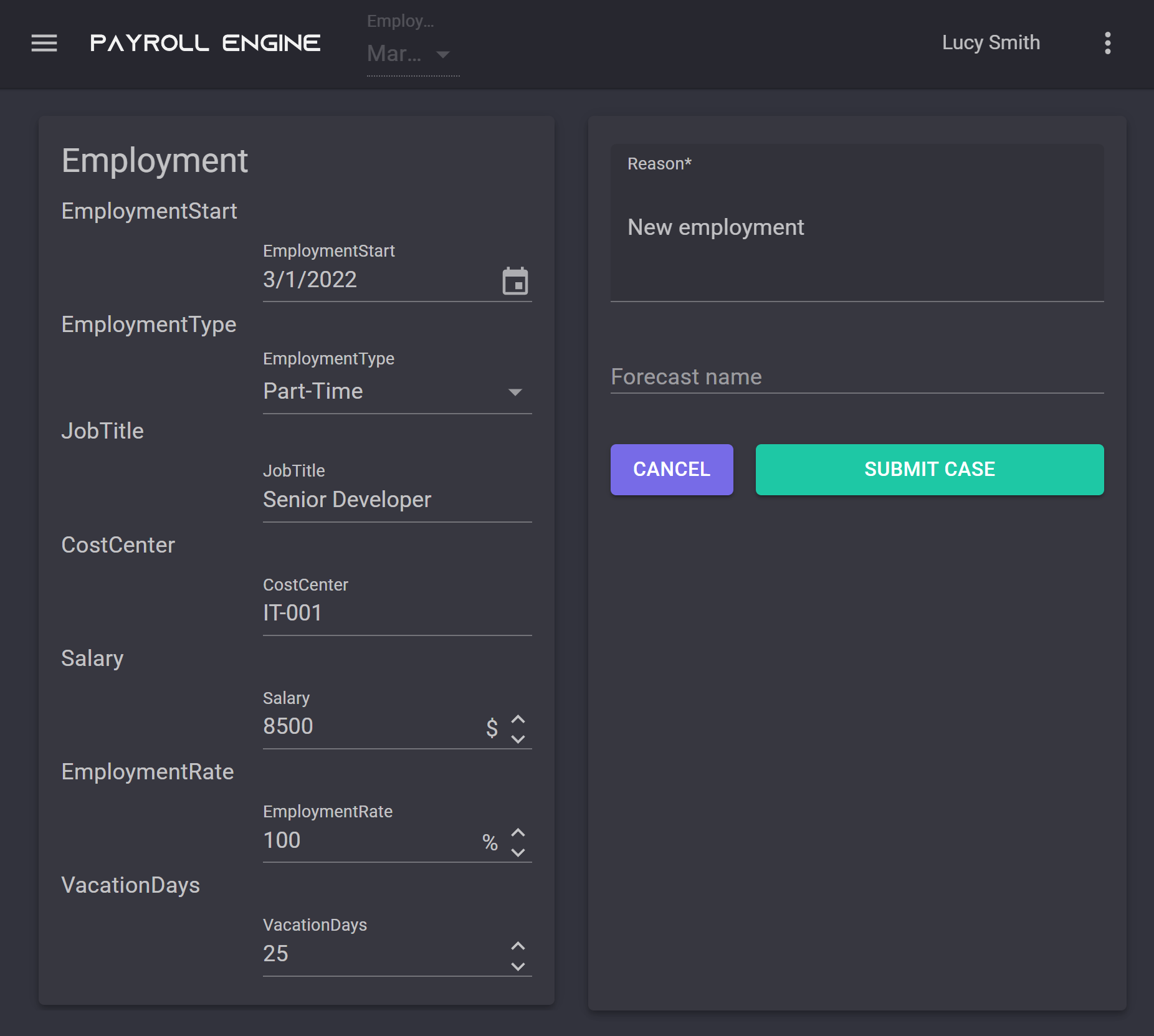
The Payroll Engine Web Application is a browser-based management interface for the full Payroll Engine stack.
Features
| Area | Capabilities |
|---|---|
| Tenants & Employees | Create and manage tenants, divisions, users, and employees |
| Regulations | Browse and manage regulation objects (wage types, cases, lookups, scripts) |
| Case Data | Enter and review case values for employees and companies |
| Payrun | Start payrun jobs, monitor execution, and evaluate results |
| Reports | Execute and download reports |
| Tasks | Manage user tasks and workflow items |
| Developer Logs | Inspect payroll audit log and scripting diagnostics |
Running
Docker (Recommended)
The web application is part of the standard Docker Compose stack — see Container Setup.
docker run -d \
  -e BackendUrl=http://backend-api:8080 \
  -p 8081:80 \
  ghcr.io/payroll-engine/payrollengine.webapp:latest
The application is then available at http://localhost:8081.
Pre-release images do not carry the :latest tag — use an explicit version tag instead.
Local
Prerequisites: .NET 10 Runtime
Download the latest release from GitHub Releases and configure the backend URL in appsettings.json:
{
  "BackendUrl": "http://localhost:5001"
}
Start the web application:
dotnet PayrollEngine.WebApp.dll
Access
| Environment | URL |
|---|---|
| Docker stack | http://localhost:8081 |
| Local | http://localhost:5002 (default) |
Log in with the credentials configured during tenant setup. The default admin user is created by the start_tenant MCP tool or the initial payroll import.
See Also
- Container Setup — Docker Compose stack setup
- MCP Server — query payroll data from AI clients
- WebApp Repository — source code and releases